What Is 4Download? Is It Safe? Everything You Need to Know (2026 Guide)
4Download promises free versions of expensive software, but the safety record is poor. This guide explains what the site is, the risks of using it, and safer alternatives.
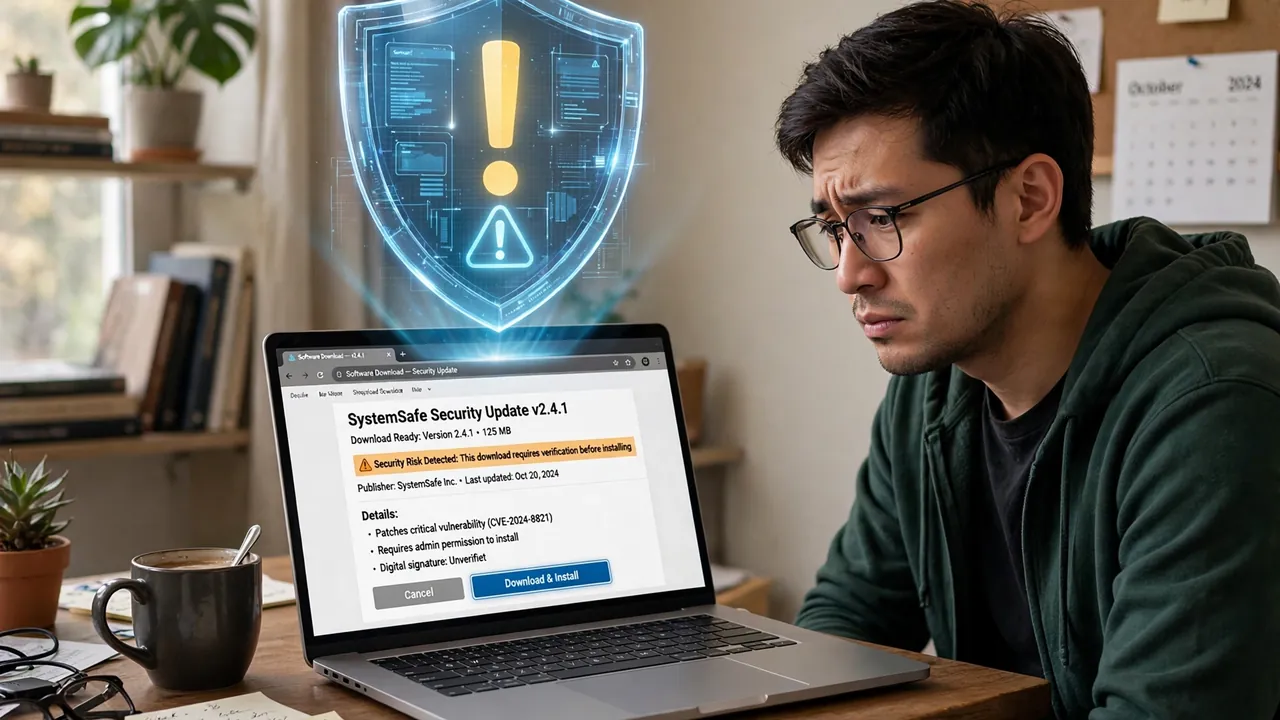
Type a software name into Google with the word “free” next to it, and sooner or later you land on a site like 4Download. It looks organized. It has categories, search, step-by-step install guides. It promises the full version of programs that normally cost real money — video editors, antivirus tools, design software, music production plugins — for nothing.
That promise is exactly why people keep asking the same two questions: what is 4Download, and is it safe? The answers matter, because this is one of those corners of the internet where getting it wrong can cost you far more than the price of a software license. Let us walk through it properly.
In this article:
What Is 4Download?
4Download — usually found at 4download.net — is a website that offers free downloads of software, plugins, audio tools, graphic design utilities, sample libraries, and other digital content. The catch is in what kind of software it lists: repacked or cracked versions of commercial, paid programs, along with key generators, patchers, and pre-activated installers.
Key terms worth knowing before we go further:
Cracked software: a commercial program that has been modified so its license checks no longer work, letting anyone use it without paying.
Keygen: a “key generator,” a small program that creates fake license keys to activate pirated software.
Repack: a cracked program that has been re-bundled, often with an installer that adds extra files the original developer never shipped.
At first glance the site resembles a normal software-sharing portal. It has an SSL certificate, a blog-style layout, and organized categories. But there is no verified partnership with the developers whose tools it lists. The copyrighted programs sitting under “free” listings tell you what you need to know: the site operates in a legal gray area at best.
One common source of confusion: the name “4download” is also associated with browser-hijacker behavior — unwanted pop-ups, changed homepages, and redirects. Security forums classify both the site and the redirect pattern as potentially unwanted. So when people search “4download,” some are asking about the download portal and others are asking about the browser junk they picked up from it. They are two sides of the same problem.
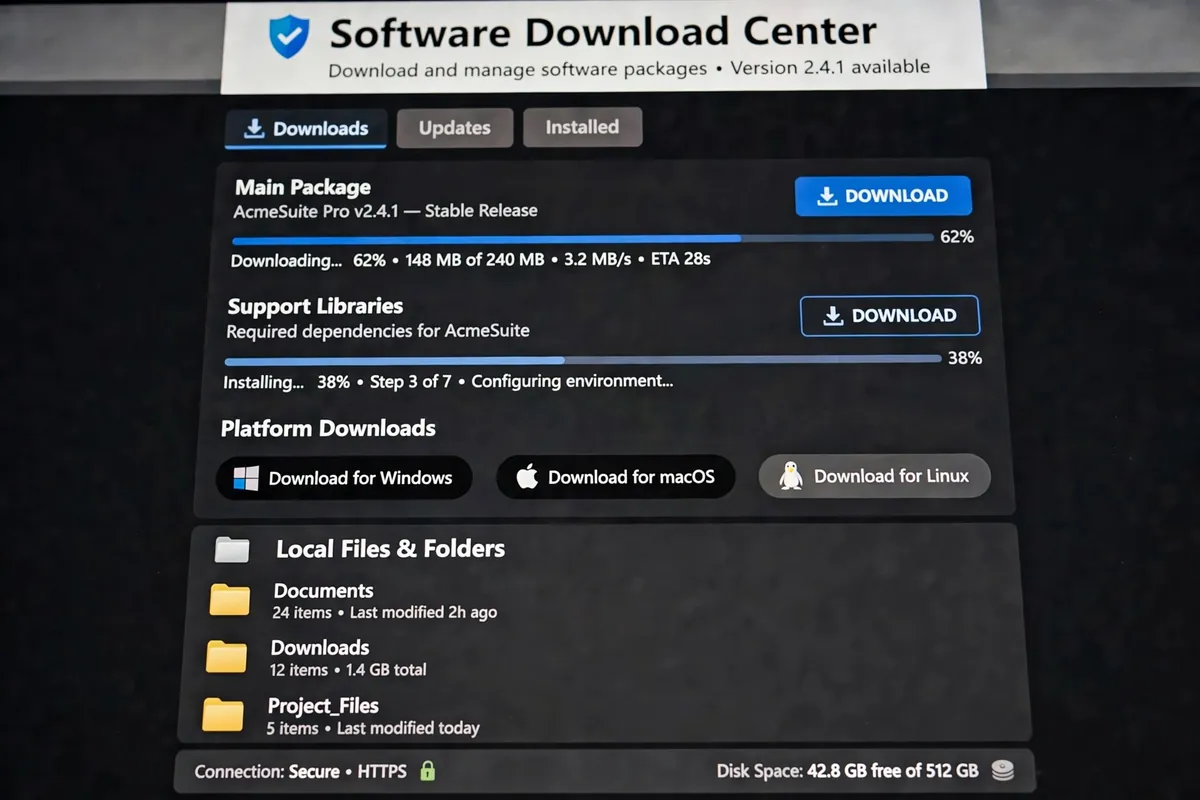
How 4Download Works
The model is simple. The site does not usually host the files itself. Instead, it posts listings for popular paid software and points visitors to third-party file hosts — names like Mega, MediaFire, and Zippyshare are the classic examples — where the actual downloads live. Each listing typically includes a description of the software, claimed version numbers, installation steps, and sometimes serials or patching instructions.
Why do people use it? Honest answer: some software is expensive. A student learning video editing or music production can look at the price of professional tools and feel locked out. 4Download shows up precisely at that moment of frustration and offers an easy answer. Free tools, simple install steps, no payment page. That is the hook.
But free distribution is never actually free to run. Hosting, bandwidth, and site maintenance cost money, so these sites monetize their traffic somehow. The usual playbook includes aggressive advertising, pop-ups and redirects to sketchy pages, custom installer wrappers that bundle extra programs, and tracking scripts that follow you around the web. Every one of those revenue tricks is a doorway through which something unwanted can reach your computer. That is why the question “is 4download safe” is not really about one website — it is about the whole category of unauthorized download portals.
Is 4Download Safe?
Short answer: no, not in any meaningful sense. Longer answer: the risk profile breaks into three layers, and all three are bad.
Layer 1: The files themselves
When you download a cracked installer, you are running a stranger’s modified executable with full permission on your machine. Security researchers and user reports consistently tie such downloads to malware infections, trojans, and ransomware. A trojanized version of a legitimate application looks identical to the real thing until it phones home with your data. One vendor flag on VirusTotal for the site’s domain, plus multiple flags for its mirror domains, is the kind of signal security professionals take seriously.
Layer 2: The site around the files
Even if a particular file were clean, the browsing experience is not. These portals are known for fake download buttons that lead to adware installers, pop-ups that push browser extensions, and redirects to scam pages. Clicking the wrong “Download” — there are usually several, and only one is real — is how people end up with hijacked browsers and unwanted toolbars.
Layer 3: The legal side
Downloading cracked software is copyright infringement in most countries. Enforcement against individual downloaders is rare, but “rare” is not “zero,” and it is not the main reason to avoid it anyway. The main reasons are the malware and the data theft. Nobody is going to fine you for installing a free video editor — but the keylogger that came with it might empty more than your wallet.
The Real Risks of Downloading From 4Download
Let us get specific about what “risky” actually means in practice.
Malware and trojans bundled with installers
This is the big one. Cracked software needs to disable license checks, which means the installer has to behave in ways normal installers do not. That same freedom is what makes it trivial to slip in a crypto miner, a remote-access trojan, or spyware. Users report infections and system corruption shortly after installing files from sites like this. If you have already run such an installer, treat your machine as compromised until a full scan says otherwise.
Stolen personal data
Password stealers are a common payload in pirated software bundles. They harvest saved browser logins, cookies, and crypto wallet files, then send them to whoever built the bundle. The result shows up weeks later as a hijacked email account or drained account balance, and most victims never connect it to the “free Photoshop” they installed.
Fake download buttons and adware
On sites built around cracked downloads, the advertising itself is hostile. Big green “DOWNLOAD NOW” buttons are ads. Pop-unders install browser hijackers. One wrong click and your default search engine changes, your homepage redirects, and cleanup takes an afternoon. This is the behavior security guides describe under the “4download virus redirects” label.
Legal exposure and no updates
Piracy is piracy. Beyond that, cracked programs never receive legitimate updates, which means unpatched security holes stay open forever — in software you use every day. A free license is a strange bargain when it leaves you permanently vulnerable.
If any of this has already happened to you, the recovery steps are straightforward: disconnect from the internet, run a full scan with a reputable antivirus, change your passwords from a clean device, and check your accounts for unknown sessions. For more everyday tech explainers, 9bio.co.uk is a good place to keep reading.

How to Tell If a Download Site Is Risky
You do not need to memorize a blocklist. You just need to recognize the pattern. A download site is probably unsafe when:
- It offers “full,” “preactivated,” or “keygen” versions of software that is normally paid.
- The download buttons are surrounded by lookalike ad buttons, and it is unclear which one is real.
- The installer asks you to disable your antivirus “to install correctly.” Legitimate software never asks this.
- It pushes files through unfamiliar third-party hosts instead of linking to the developer.
- The site has no verifiable relationship with the software’s actual developer.
- Pop-ups, redirects, or browser setting changes start the moment you visit.
If you tick two or more of those boxes, close the tab. The software is not worth the cleanup.
Safer Alternatives to 4Download
Here is the part people skip: you usually do not need the cracked version at all. For almost every expensive program, there is a legal path that costs nothing or close to it.
Go to the developer or an official store first
This sounds obvious, but it is the single best habit. Official websites, the Microsoft Store, the Mac App Store, and package managers like the ones built into Linux distributions serve clean, signed, updateable software. If a program is genuinely free, the developer wants you to get it from them.
Free and open-source replacements
For the most pirated categories, excellent free alternatives exist: GIMP and Photopea cover most of what casual users need from Photoshop; LibreOffice handles Word, Excel, and PowerPoint files; Blender is a full professional-grade 3D and video suite; Audacity covers audio editing. These are maintained by real communities, receive security updates, and cost nothing — legally.
Free tiers and trials of the real thing
Many commercial tools now offer genuinely useful free tiers: DaVinci Resolve’s free version edits video professionally, Canva’s free plan covers most design tasks, and developers commonly offer student discounts or trial periods. Trials let you finish a project properly instead of fighting a broken crack.
Check reputable roundups before you download
When you are comparing options, look for editorial roundups from established tech publications rather than download portals. Sites like homewaterinsights.com cover software and digital tools with actual testing behind their recommendations — a much better starting point than a site whose business model depends on you clicking the wrong button.

4Download vs. Legitimate Sources: A Quick Comparison
| 4Download-style sites | Official / legitimate sources | |
|---|---|---|
| Price | Free upfront | Very low — signed, verified files |
| Malware risk | High — trojanized installers are common | Very low — signed, verified files |
| Legality | Copyright infringement in most countries | Fully legal |
| Updates | None — cracks break with new versions | Automatic security and feature updates |
| Support | None | Developer support and documentation |
| Hidden costs | Possible data theft, cleanup time, hijacked accounts | None beyond the listed price |
FAQs
Is 4Download a virus?
4Download itself is a website, not a virus. But the name is associated with two threats: cracked software downloads that frequently contain malware, and browser-hijacker behavior (pop-ups, redirects, changed settings) that security guides flag under the same name. Either way, the safe move is to stay away.
Is it illegal to download from 4Download?
Downloading cracked, copyrighted software is copyright infringement in most countries. Individual downloaders are rarely pursued, but it is still illegal, and the cybersecurity risks are a bigger practical concern than the legal ones.
What should I do if I already installed something from 4Download?
Disconnect from the internet, run a full scan with reputable antivirus software, and uninstall the program. Then change your important passwords from a clean device and check your accounts for unfamiliar sessions. If anything looks compromised — especially email or banking — act on it immediately.
How do I remove 4Download pop-ups and redirects?
Start by removing any unfamiliar browser extensions and resetting your browser’s homepage and default search engine. Clear your browsing data, run an adware scan, and check your installed programs list for anything you do not recognize. If redirects persist, a full malware scan is the next step.
Are there safe free download sites?
Yes — the developer’s own site, official app stores, and well-known open-source projects are all safe. What does not exist is a safe source of free versions of paid software. That combination is the tell: if someone is giving away expensive software for nothing, you are the product or the target.
What is the best legal alternative to cracked software?
It depends on the category, but start with open-source tools (GIMP, LibreOffice, Blender, Audacity) and free tiers of commercial products (DaVinci Resolve, Canva). Most people find these cover their actual needs without any of the risk.
Free software is only a good deal when it is actually free — no malware, no stolen data, no legal exposure. Sites like 4Download fail that test on every count. Stick to official sources and genuine free alternatives, and the question of whether a download portal is “safe” stops being something you need to worry about.
Read Also: What Is a Landing Page Conversion (Complete Guide): Definition, Formula & Examples

Related Articles
n8n HTTP Request Node: Complete Documentation Guide
The HTTP Request node is how n8n talks to almost any API. This guide explains its…
192.168.1.254 Router Login Guide (2026 Guide)
A plain-English walkthrough for opening the 192.168.1.254 router login page, signing in with the details on…
Location of Area Code 609 (Complete Guide): Where Is 609 and What You Need to Know
Area code 609 is a New Jersey area code covering parts of the state including the…
1 Comment