FortniteDB (2026 Guide): What It Is, Features, and How to Use It
FortniteDB is the go-to unofficial database for Fortnite Save the World — mission alerts, player stats, schematics, heroes, and leaderboards all in one place. This guide explains its features, safety, and the best alternatives.
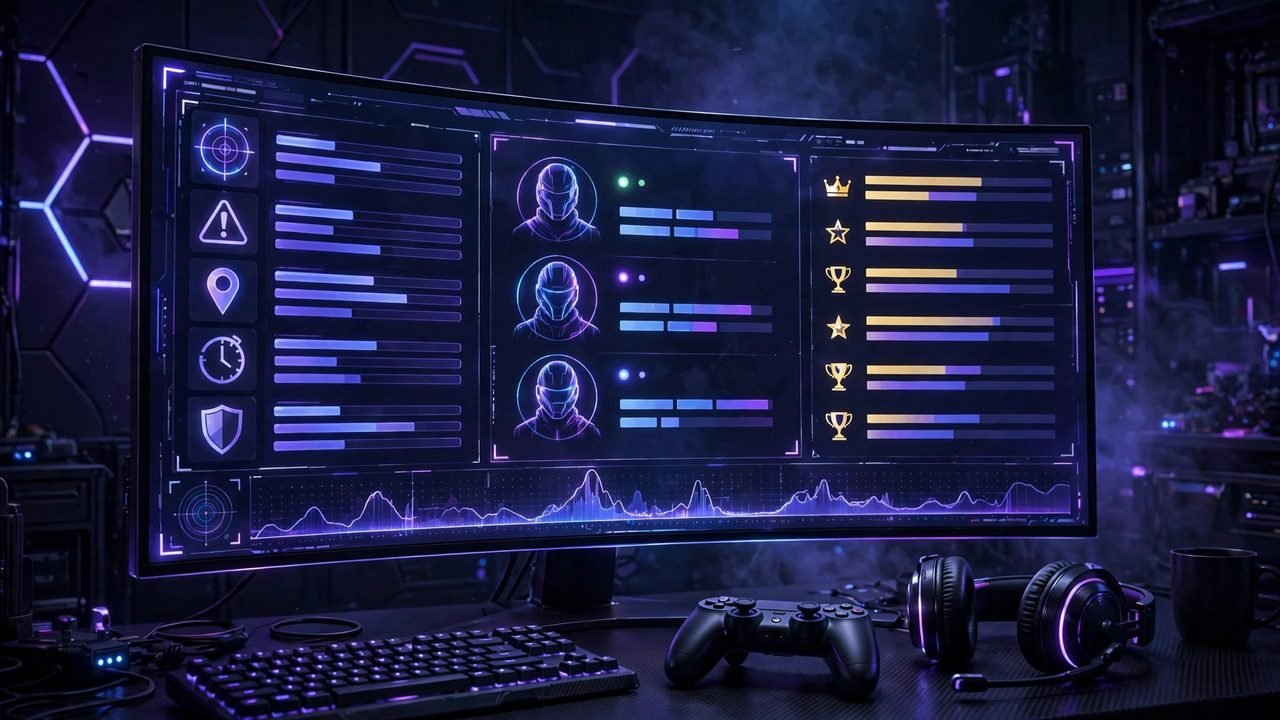
If you play Fortnite’s Save the World mode, you’ve probably had this moment: you’re standing around in your storm shield base wondering which missions are worth running today, and the game makes you click through every map zone to find out. FortniteDB exists to solve exactly that problem. It’s an unofficial, community-built database and tracking website focused on Fortnite’s Save the World (STW) mode — showing live mission alerts, player profiles, weapon schematics, heroes, survivors, quest lines, and leaderboards in one searchable place.
This guide breaks down what FortniteDB actually is, how it works, what it tracks, how it compares to the big Battle Royale trackers, and whether it’s safe to use. If you’re a Save the World player — or just curious what people mean when they mention the name — here’s everything worth knowing.
In this article
- What Is FortniteDB?
- How FortniteDB Works
- Key Features of FortniteDB
- FortniteDB vs Other Fortnite Trackers
- Is FortniteDB Safe and Official?
- Who Should Use FortniteDB?
- Pros and Cons
- Frequently Asked Questions
What Is FortniteDB?
FortniteDB — often written as fortnitedb or fortnite.db, hosted at fortnitedb.com — is a third-party companion website for Fortnite. Its main focus is Save the World, the cooperative player-versus-environment mode where squads complete missions, build defenses, collect resources, and fight off waves of Husks.
Think of it less like a stat tracker and more like a searchable mission planner and Save the World reference guide. Instead of opening Fortnite and hunting through menus, you can open a browser tab and check current missions and their rewards, look up a player profile, compare hero perks, or read through quest lines. The site describes itself as an unofficial Fortnite Save the World database and is clear that it isn’t affiliated with Epic Games.
That distinction matters. Battle Royale gets most of Fortnite’s attention — it’s the free mode everyone plays — but Save the World has a dedicated community that plays daily missions for rewards like V-Bucks and upgrade materials. Those players are who FortniteDB is built for.
How FortniteDB Works
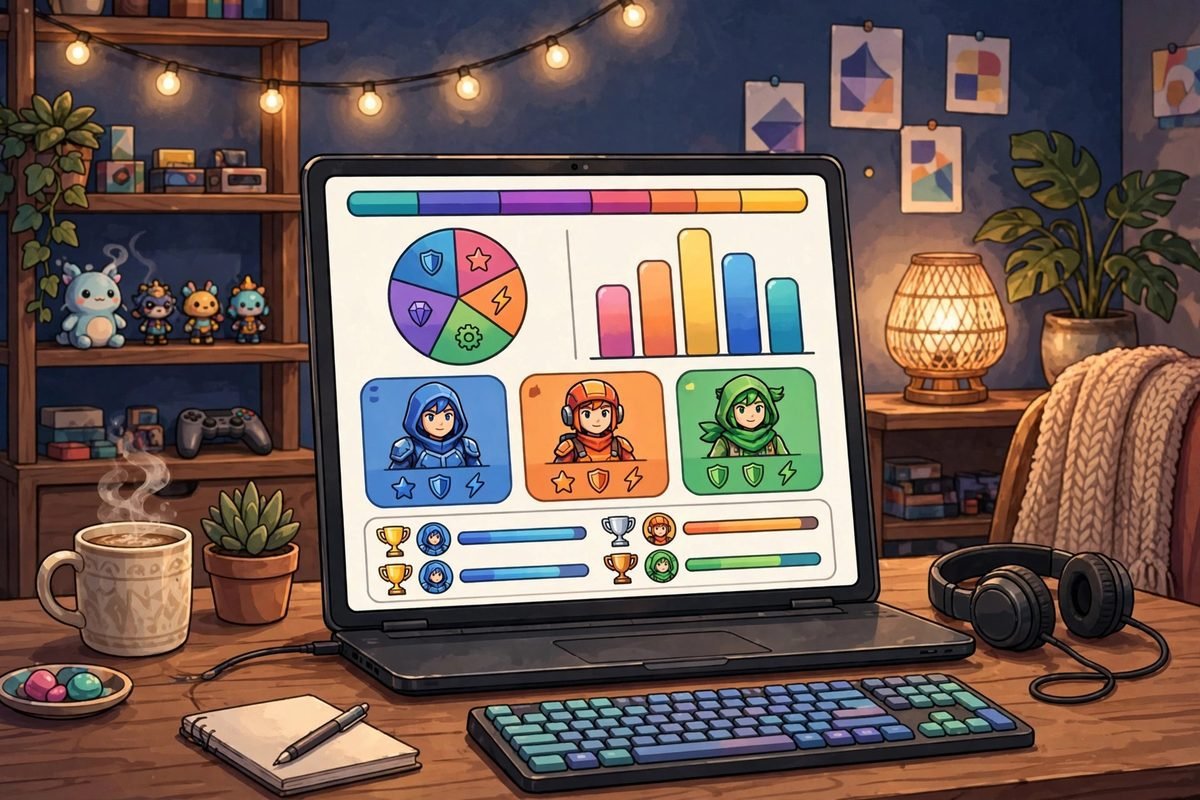
Using FortniteDB is straightforward — there’s no login wall for the core reference material, and you use it entirely in your browser. Here’s the typical workflow:
- Pick what you need. The homepage points you toward the main sections: mission alerts, missions, player profiles, schematics, heroes, survivors, defenders, quests, and leaderboards.
- Check the mission alerts first. This is the daily-driver feature. The mission list shows which Save the World missions are currently active, where they are on the map, and what rewards they pay out — so you can plan a session around the best rewards.
- Look up players or gear. Search a player profile to review their Save the World progress, or open the item database to inspect a schematic’s stats and perks before you spend upgrade materials on it.
- Compare before you commit. Hero perks, survivor squads, and weapon stats are all listed with detail, which helps you decide what to level up instead of guessing.
Nothing on the site plays the game for you or connects to your Epic account to grant anything. It’s a reference layer on top of the game — the kind of tool you keep in a second monitor or on your phone while you play.
Key Features of FortniteDB
The site’s strength is breadth. Here’s what the current toolset covers:
Mission alerts and mission lists
This is the headline feature. FortniteDB tracks the rotating set of Save the World missions — including alert missions with boosted rewards — so you can see at a glance which missions are worth your time today. If you’ve ever logged in, checked three empty zones, and logged back out, this page alone is worth the bookmark.
Player profiles and stats
Look up a Save the World player profile to review their progress: power level, inventory details, hero levels, squads, and general account progression. Leaderboards extend this with rankings across different categories, which the competitive end of the STW community uses to measure where they stand.
Schematics, heroes, survivors, and defenders database
FortniteDB catalogs the game’s itemization in serious detail. Weapon schematics show stats and perks, heroes are listed with their abilities and subclasses, and survivors and defenders — the squads that boost your stats — are broken down so you can plan team compositions. For a mode where the wrong perk roll can waste weeks of upgrade materials, this is genuinely useful.
Quest lines and Collection Book tracking
The site covers quest chains and the Collection Book — the system where depositing items unlocks rewards. If you’re chasing a specific Collection Book reward, being able to see exactly what’s needed without digging through in-game menus saves real time.
Ventures and seasonal rewards
FortniteDB also lists Venture rewards and seasonal content, so you can check what the current season offers and what you still need to earn before it rotates.
FortniteDB vs Other Fortnite Trackers
Fortnite has a crowded tracker ecosystem, but most of the big names are Battle Royale–focused. Here’s how FortniteDB sits alongside them:
| Tool | Main focus | Best for |
|---|---|---|
| FortniteDB | Save the World | Mission alerts, STW stats, schematics, heroes, leaderboards |
| FortniteTracker | Battle Royale | BR match stats, player ratings, weapon analytics |
| Fortnite.GG | Battle Royale + cosmetics | Challenge guides, cosmetic database, interactive maps, news |
| FortniteScout | Battle Royale | Advanced BR performance graphs and analytics |
| Storm Shield One | Save the World | STW Collection Book tracking and PvE content |
The short version: if you mostly play Battle Royale, FortniteTracker or Fortnite.GG is your tool. If you play Save the World, FortniteDB is the one built for you. Plenty of players who touch both modes use a combination — there’s no reason to pick only one.

Is FortniteDB Safe and Official?
This is worth addressing directly, because “unofficial database” sounds sketchy if you’re new to gaming tools.
Official status: No. FortniteDB is not owned or operated by Epic Games. It says so on the tin — the site describes itself as an unofficial Save the World database.
Safety: It’s a read-only reference website. You’re looking up public information about missions and items, not handing over your Epic credentials or installing anything. The standard precautions still apply: never enter your Epic login details on a third-party site that asks for them, and be wary of lookalike domains if you ever search for it instead of typing the address.
Here’s the quick reference:
- Owner: community-run, third party.
- Epic Games affiliation: none — unofficial.
- Login required: no, for core reference features.
- Cost: free to browse.
- Risk profile: low for browsing; never share account credentials with third-party tools.
Who Should Use FortniteDB?
FortniteDB is most useful for:
- Daily Save the World players who want to check mission alerts and rewards before launching the game.
- Collectors and optimizers chasing Collection Book rewards or comparing hero and weapon perks.
- Returning players catching up on Ventures, quest lines, and seasonal content.
- Competitive STW players who care about leaderboards and profile stats.
If you only play Battle Royale and never touch Save the World, the site won’t have much for you — its whole value proposition is the PvE mode’s data.
Pros and Cons
| Pros | Cons |
|---|---|
| Dedicated Save the World coverage most trackers skip | Unofficial — not affiliated with Epic Games |
| Mission alerts save time planning sessions | Data can lag behind patches during update days |
| Deep item, hero, and schematic database | Battle Royale players get little value from it |
| Free, browser-based, no install needed | Interface is information-dense and takes getting used to |
| Leaderboards for the competitive STW crowd | No official mobile app |
Tips for Getting the Most Out of FortniteDB
Like any reference tool, FortniteDB rewards a little routine. Here is how experienced Save the World players actually use it day to day:
- Check mission alerts before you log in. Make it a two-minute habit: open the alerts page, note which missions pay the rewards you need (V-Bucks, evolution materials, perk resources), and plan your session around them. This alone can double the value of a short play session.
- Research before you spend upgrade materials. Superchargers, flux, and legendary perk materials are scarce. Before committing them to a weapon schematic or hero, look up the item’s stats and community standing on FortniteDB — a five-minute check beats weeks of regret.
- Use player profiles for squad planning. If you run missions with a regular group, comparing power levels and hero loadouts helps you split roles sensibly instead of discovering mid-mission that nobody brought a healer.
- Track the Collection Book deliberately. Depositing items into the Collection Book is permanent — you lose the item. Checking exactly what’s needed for the next reward tier before you start feeding items in prevents expensive mistakes.
- Watch the Ventures page at season start. Each new season reshuffles what’s earnable. A quick look at the Ventures section tells you what’s new and what’s worth chasing first.
What FortniteDB Doesn’t Do
To keep expectations honest, here are the site’s limits:
- It won’t improve your aim. It’s a reference database, not a coaching tool — there are no build guides or combat tutorials here.
- Data can lag on patch days. When Epic ships a major update, third-party databases need time to sync. If something looks off right after an update, check back in a day or two.
- It doesn’t replace the game. Mission alerts tell you what’s available and what it pays, but you still have to play the missions yourself.
- The interface is dense. First-time visitors sometimes bounce off the sheer volume of tables and filters. Give it ten minutes — the layout starts making sense once you know which section is yours.
None of these are deal-breakers; they’re just the reality of a fan-built reference site. For what it is — the most complete Save the World database on the web — it does the job well.
Frequently Asked Questions
Is FortniteDB official?
No. FortniteDB is a third-party, community-run website and is not owned by or affiliated with Epic Games. It describes itself as an unofficial Fortnite Save the World database.
Is FortniteDB free?
Yes — browsing the database, mission alerts, player profiles, and leaderboards is free, and there’s no install required.
What is FortniteDB mainly used for?
Save the World players use it to check live mission alerts and rewards, look up player profiles and stats, research weapon schematics and hero perks, track Collection Book rewards, and compare leaderboard rankings.
Does FortniteDB work for Battle Royale?
Its focus is Save the World. Battle Royale players are better served by trackers like FortniteTracker, Fortnite.GG, or FortniteScout.
Do I need to log in to use FortniteDB?
No login is needed for the core reference features. Be cautious about entering your Epic credentials on any third-party site.
Is FortniteDB the same as Fortnite.GG?
No. They’re different third-party sites. Fortnite.GG focuses on Battle Royale content like challenge guides, cosmetic databases, and interactive maps, while FortniteDB focuses on Save the World.
Can FortniteDB get my account banned?
No. Browsing a reference website doesn’t interact with your Epic account or the game client in any way that violates terms of service — it organizes public data any player could look up. The only real account risk with third-party tools comes from sharing your login credentials, which FortniteDB doesn’t ask for.
Why did I hear about FortniteDB replacing another site?
After the long-running Save the World tracker Storm Shield was deactivated, FortniteDB became the prime stat tracker and reference for the mode — which is why the STW community treats it as the default tool today.
For more gaming explainers and tool breakdowns, the guides over at 9bio.co.uk and dailyorvix.com cover plenty of adjacent topics worth browsing.
Reead Also: Hi Anime (2026 Guide): Features, Safety, and Free Anime Streaming Explained

Related Articles

Actors in 22 Jump Street: Full Cast and Characters (2026 Guide)
A complete guide to the actors in 22 Jump Street (2014): Jonah Hill, Channing Tatum, Ice…

How to Read Comics Online: The Best Free and Legal Ways (2026 Guide)
You can read comics online without paying a cent or breaking the law. This guide covers…

100+ Best Corny Jokes (Explained): Dad Jokes, Puns & Knock-Knock Jokes
The ultimate collection of corny jokes: 100+ dad jokes, puns, knock-knock jokes and clean one-liners for…